

Scraping a Website
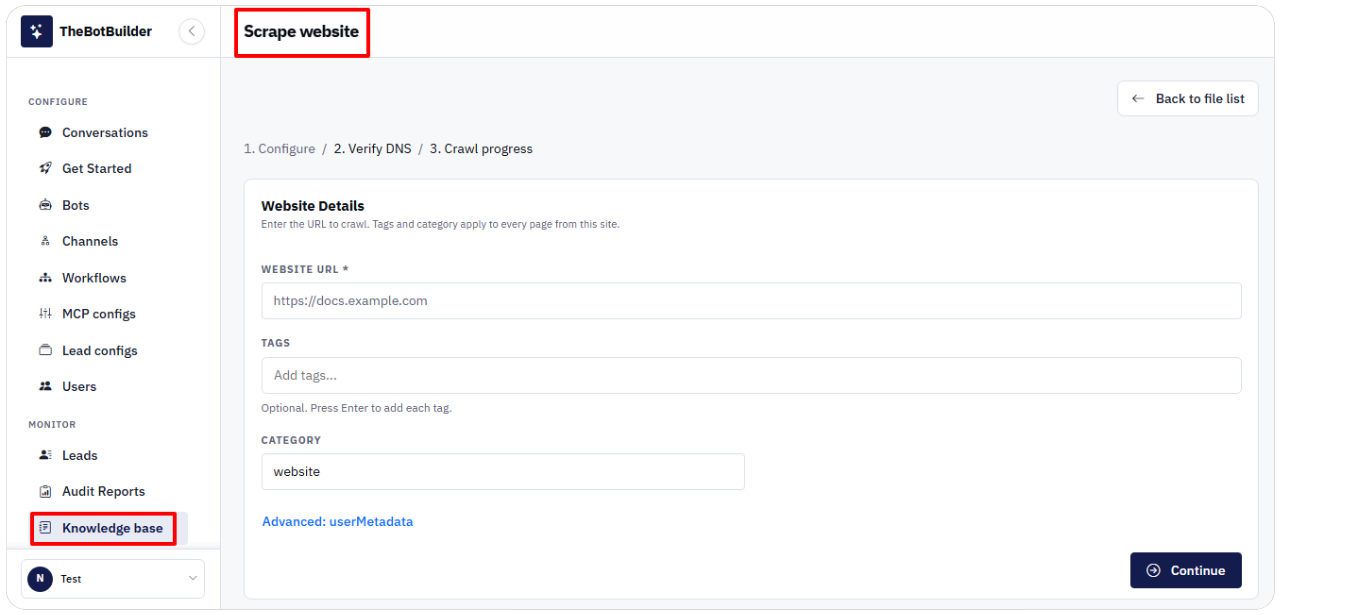
- Click Scrape website.
- Step 1 Configure — enter Website URL (required), optional Tags, Category (defaults to website). userMetadata is not available for website sources in v1.
- Click Continue.
- Step 2 Verify DNS — follow Record type, Host/name, Value, TTL, and Expires guidance, then Verify DNS when required for your page credits.
- Step 3 Crawl progress — watch Status and Pages ingested.
- Use View knowledge library or Start new scrape when finished.
Page credits messaging explains pages remaining without DNS verification vs verified websites.