Installing the Chat Widget
- Open the channel's Actions → Connect or Edit.
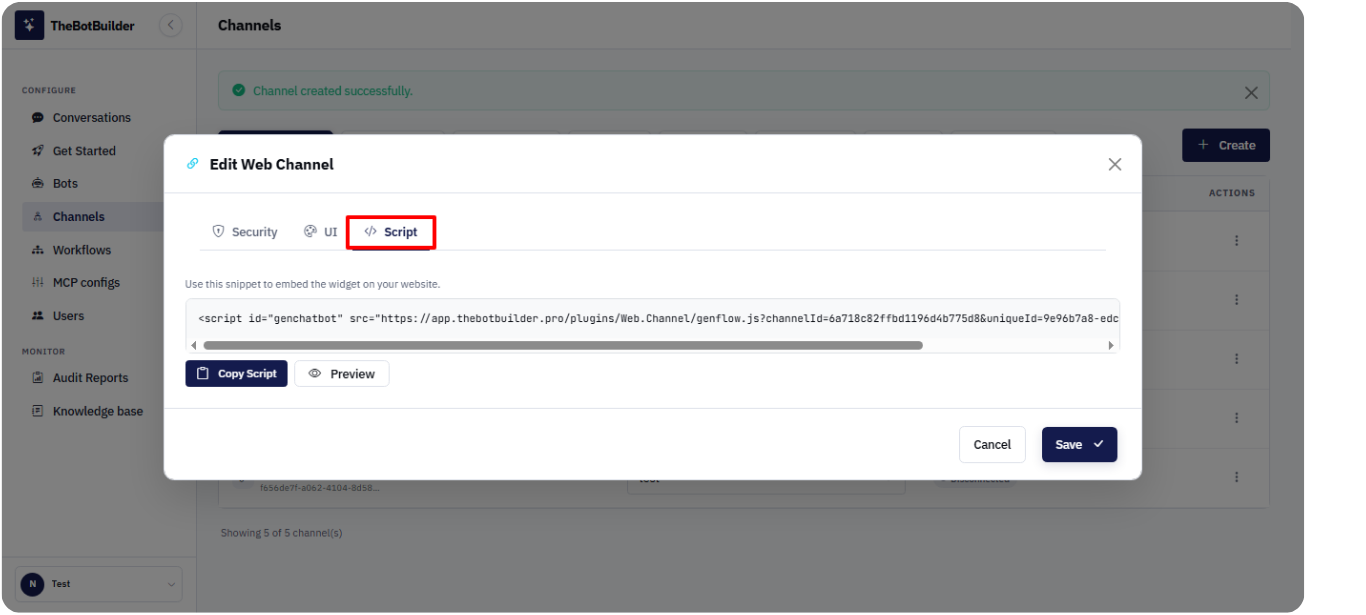
- Open the Script tab.
- Copy the embed snippet using Copy Script.
- Paste the script into your website pages (typically before the closing body tag), or into your tag manager / CMS script slot.
- Publish your site and load a page that includes the script.
The embed loads the Web.Channel widget script with your channelId and uniqueId query parameters.
Use Preview in the Script tab to verify the widget before publishing to production.