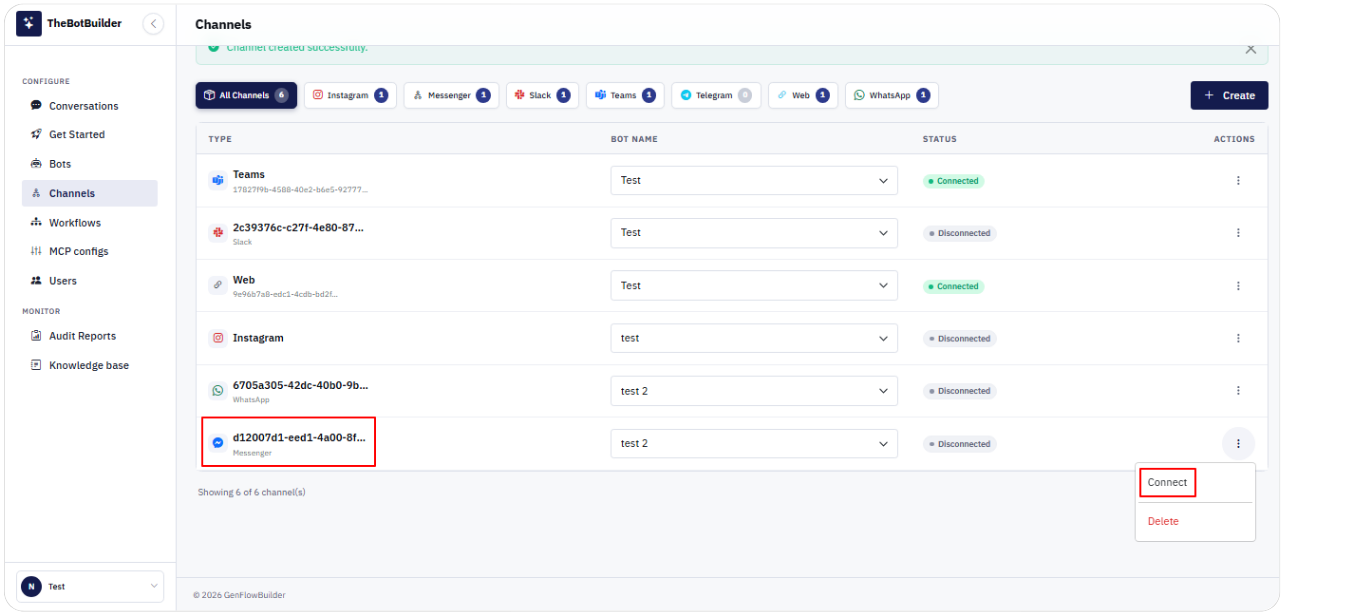
Connecting a Messenger Channel
- Go to Configure → Channels.
- Click Create, select Messenger (Facebook Messenger), choose a Bot, and click Create Channel.
- Confirm the bot on the row.
- Open Actions → Connect (or Reconnect).
- Complete Facebook Page authorization in the popup.
- Confirm Status becomes Connected and the success alert appears.