

Opening the Channels Page
To manage channels:
- Sign in to TheBotBuilder.
- In the left navigation under Configure, click Channels.
The Channels page shows every channel configured for your organization.
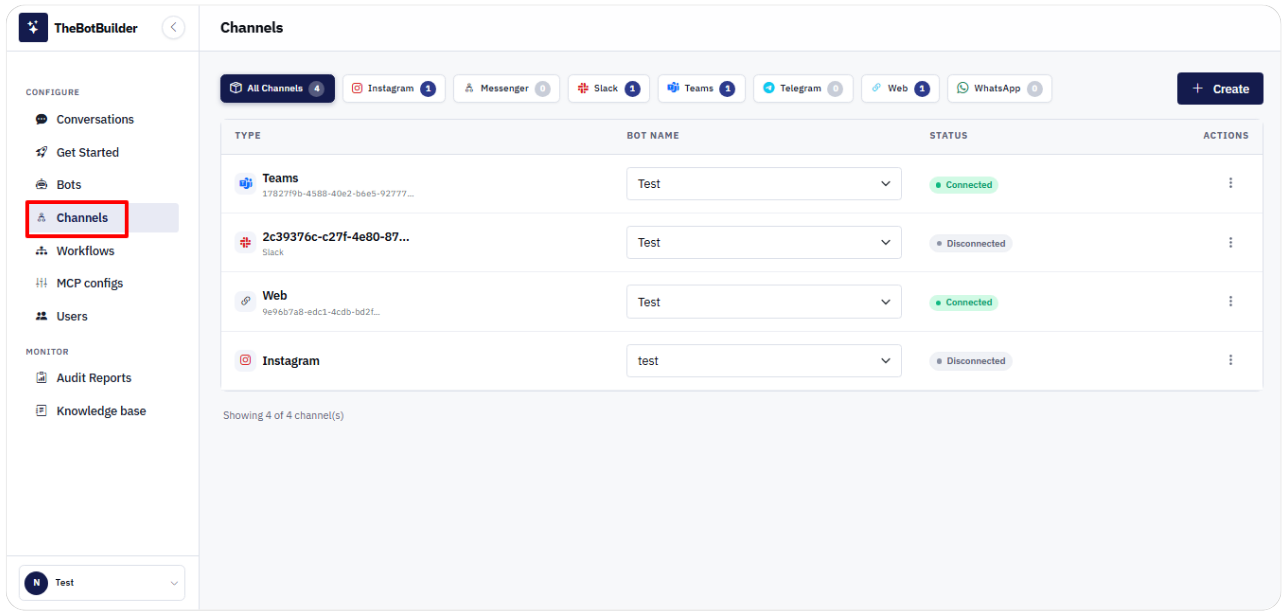
You can:
- Filter by channel type using the chips at the top (All Channels, Web, WhatsApp, and so on).
- Create a new channel with Create.
- Assign or change the bot for an existing channel.
- Connect, reconnect, edit, or delete a channel from the Actions menu.