Connecting Telegram
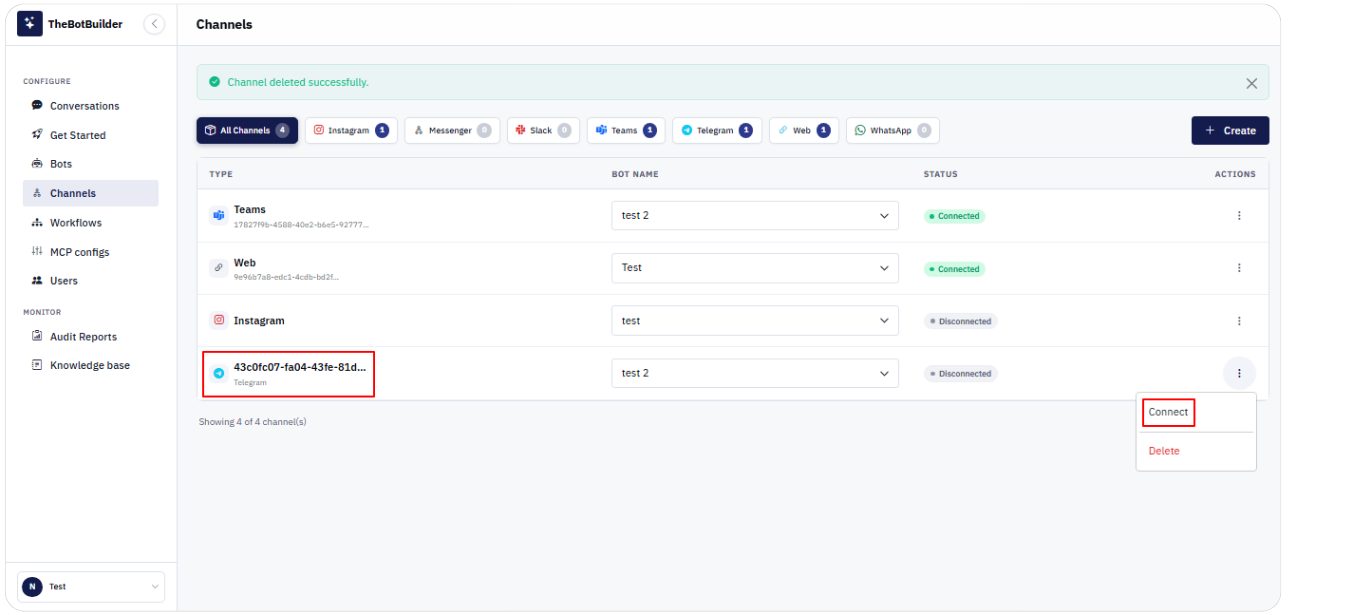
1. Go to Configure → Channels.
2. Click Create, select Telegram, choose a Bot, and click Create Channel.
3. Open Actions → Connect (or Reconnect).
4. In Connect Telegram: - Enter Phone Number and click Send Code. - Enter the Verification Code from Telegram and click Login & Connect. - If prompted, enter Cloud Password and click Confirm & Connect.
5. Use Change phone if you need to restart with a different number.
6. Confirm Status Connected when the flow completes.