

Creating a Lead Config
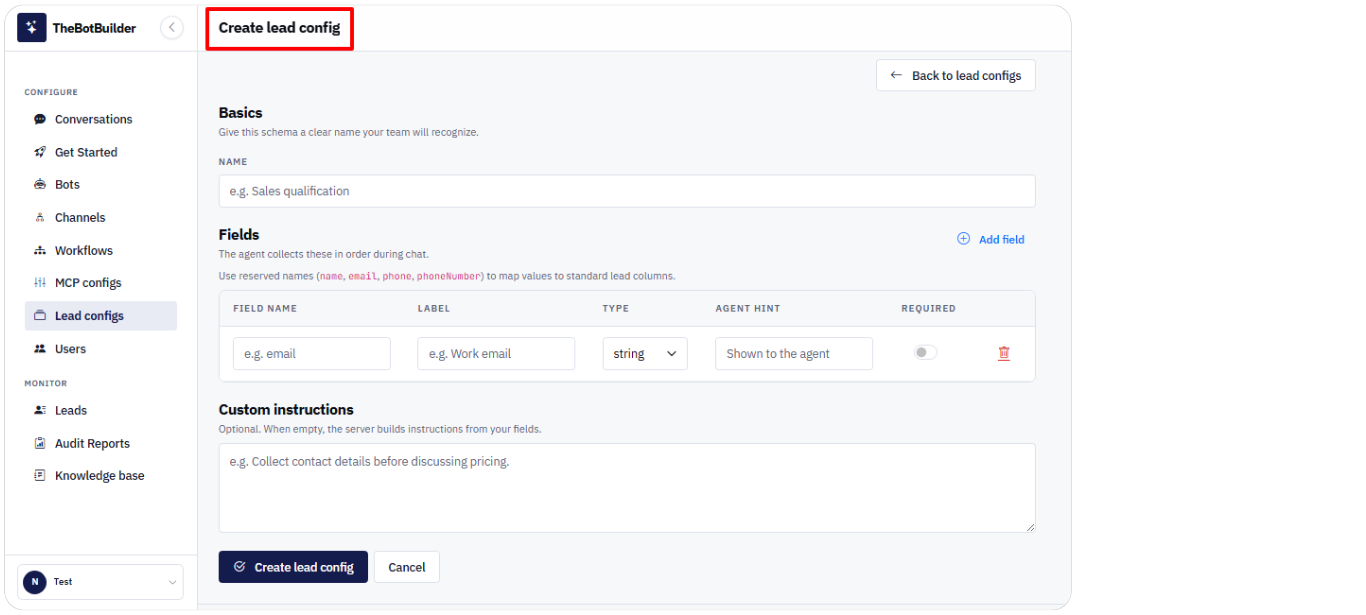
- Go to Configure → Lead configs.
- Click Create lead config.
- Under Basics, enter a Name.
- In Fields, click Add field and configure each field.
- Optionally add Custom instructions.
- Click Create lead config.
On the list page you can search by name or instructions and filter status Active / All / Inactive.